Optimize sales execution with data-driven strategy & AI Get the ebook >>

- Product
- Activity Capture 360
- Activity captureAutomatically capture sales data, activities, and leads to Salesforce
- Calendar syncSync Salesforce calendar with Outlook and Gmail calendars
- Inbox SidebarAccess, edit, and manage Salesforce data directly from your email inbox
- Online schedulingSchedule online meetings from your email and avoid double bookings
- Salesforce and email integrationConnect and integrate your email and Salesforce smoothly
- Sales Engagement
- Revenue Forecasting
- Pipeline VisibilityInspect your pipeline health and track important shifts and changes
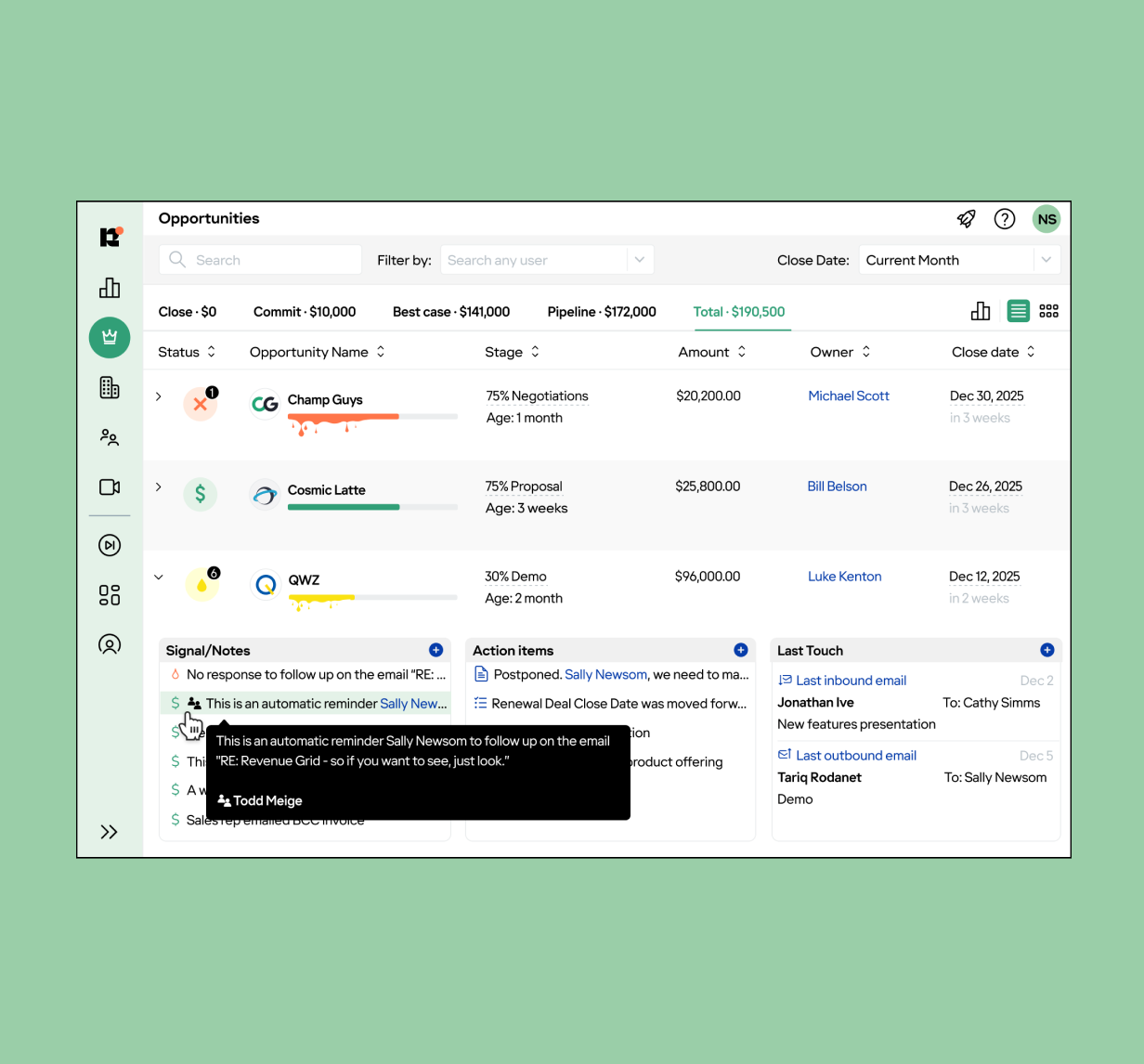
- Revenue SignalsHelp your team execute better with actionable real-time deal alerts
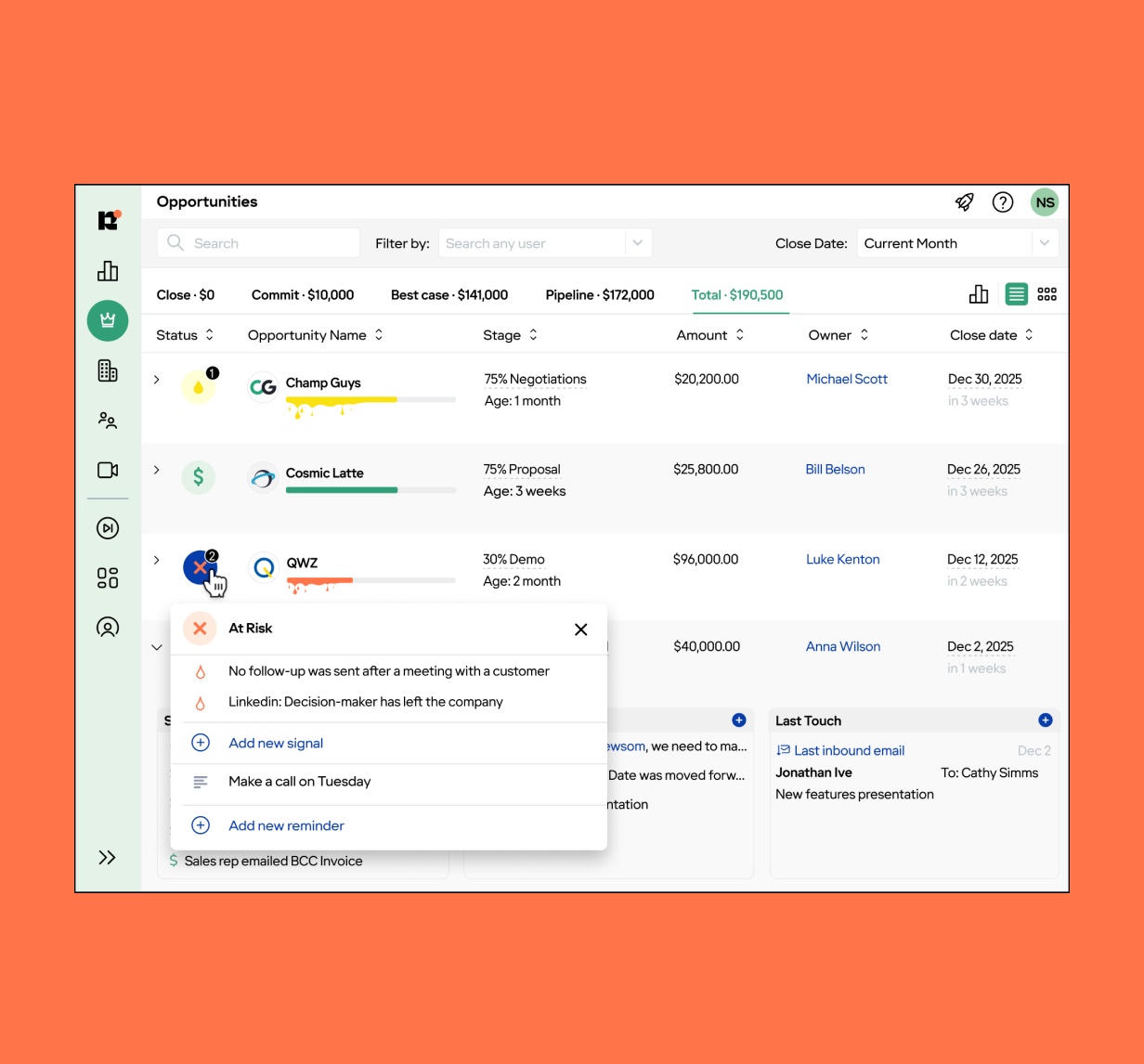
- Deal insightsGet intelligence on risks, weak spots, and openings for every deal
- Team AnalyticsAnalyze your sales team’s activities and improve sales process
- Sales forecastingTrack and manage forecasts with revenue analytics and dashboards
- Team coachingMake your sales coaching initiatives effective and scalable
- Spacer
- Activity Capture 360
- Pricing
- Pricing
- Platform
- Platform
- Revenue Grid vs. CompetitorsDiscover why Revenue Grid trumps other competitors in the RO&I market
- Revenue Grid for EnterpriseDiscover why we say “Enterprise is in our DNA”
- Latest Platform ReleaseFind out about the latest features added to Revenue Grid
- SecuritySee the measures we take to ensure the security and privacy of your information
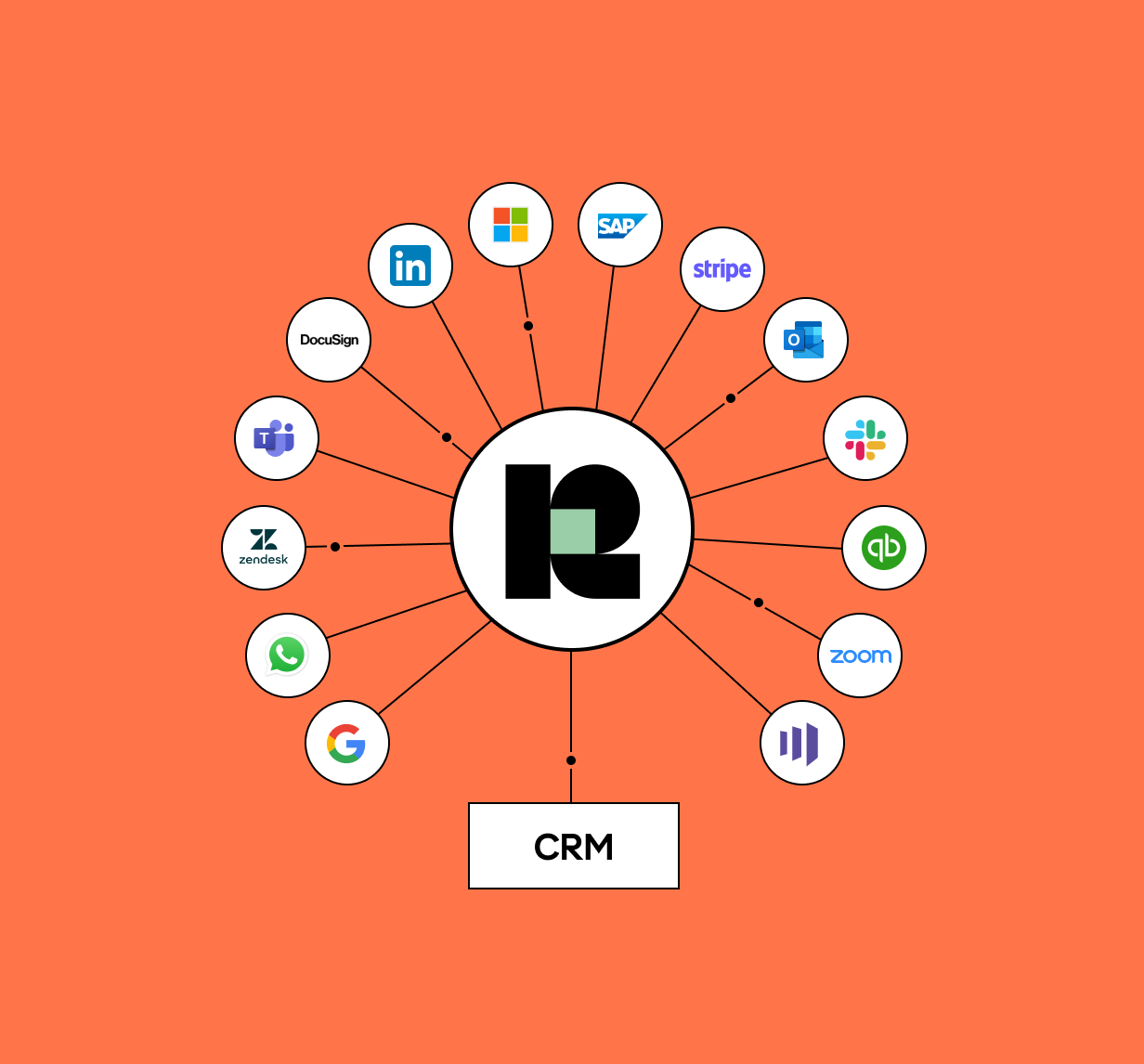
- IntegrationsIntegrate your favorite sales tools with Revenue Grid
- Community LicensesIntegrate your Salesforce Partner Community with Outlook or Gmail
- Salesforce for Outlook retirementTransition seamlessly from Salesforce for Outlook to Revenue Grid
- Platform
- Customers
- Customers
- Case Study – RecruitmentHow one recruiter stood out from the competition with unique messaging
- Case Study – Morgan & Morgan
- Case Study – VapothermHow a medical device manufacturer saved 761 working days in one year
- Case Study – SlalomHow one sales team rebuilt their sales model and found new market potential during lockdown
- Case Study – commercial bankHow one multi-billion dollar commercial bank enhanced customer relationships
- Case Study – InsuranceHow full-service insurance brokerage firm expanded its business
- Case Study – VDAHow a vertical transportation consulting firm increased customer engagement by 20%
- Customers
- Resources
- Resources
- BlogRead short articles about sales including industry insights and helpful how-tos
- White papersStay informed with authoritative white papers on sales technology and techniques
- WebinarsWatch webinars with industry analysts and thought-leaders
- Revenue Grid AcademySee Revenue Grid in action, take quizzes, and earn badges per module
- Knowledge Base
- Resources
- Company
- Company
- NewsroomStay up to date with the latest happenings at Revenue Grid
- About UsLearn our story, from the first idea to latest developments and plans for the future
- CareersCheck out open positions and apply to join the Revenue Grid team
- Become a PartnerEarn commissions as a reseller or bring the power of Revenue Grid to your brand
- Contact UsView our office locations and contact information
- Funding RaisedRevenue Grid raises $20 million to transform Revenue Operations
- Company